
Ever listened to the radio and thought “I could do that”?
Well guess what? It’s 2020. You CAN do that! It’s actually easier than ever now to set-up a radio station, and you don’t need an expensive studio to do it. You can even operate a station from the comfort of your own home if you want to (maybe lock the kids in their rooms whilst you’re broadcasting though).
I’m all for making things as simple as possible, so here’s the basics on setting up your own radio station.
Think About What You’re Offering
Because there used to be so few of them, the majority of traditional stations have had to serve a relatively broad audience. There’s the general youth one, the classical one, the local one, and the one that airs radio soap operas.
You however, can broadcast whatever you like! If your station goals are more financial than hobbyist though, you might find that finding a niche will attract a listenership quicker than a station with a more ambiguous identity.
There’s hundreds of holes in the radio market still to fill. So if you’ve got a passion for growing marrows for example, and are sure that there’s a potential audience of marrow enthusiasts just waiting to hear your growing tips, then you can amass a following quite quickly.

Equipment You’ll Need
Sure, you could record your radio show on your mobile, but it’ll sound terrible. Nobody’s going to stick around to listen to that. If you’ve managed to get a listener to tune in to your station, you don’t want to scare them off forever with scratchy sound quality.
That being said, you needn’t break the bank to enjoy a professional-sounding setup either. All you need are five main things.
- A half-decent microphone
- Some headphones
- A basic mixing desk
- Radio broadcasting software
- A computer
Now when I say microphone, I don’t mean the built in mic on your phone or laptop. You’ll need a dedicated microphone to provide the professional sound you’re looking for. Bear in mind that if you’re thinking of including guests or co-hosts, you’ll need additional microphones for them too.
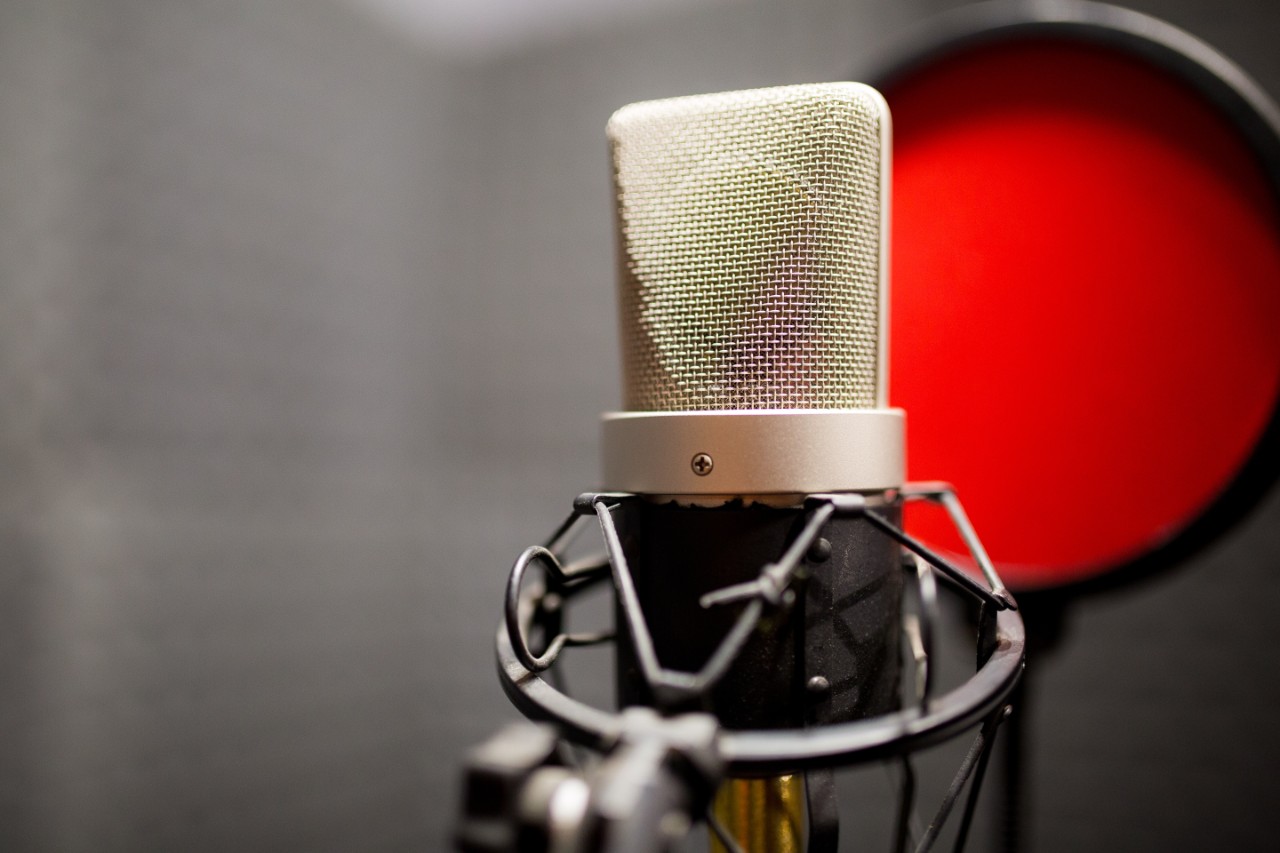
While you’re starting out, you’re probably best to concentrate your budget on the best microphones you can get, rather than headphones. Almost any pair of ‘phones will suffice, and while you’ll no doubt want to upgrade eventually, a relatively inexpensive pair of over-ear models will get you by. Stick to tried-and-trusted headphone brands such as Sennheiser, Beyerdynamic or Audio Technica and you won’t go far wrong. Again, don’t forget extra pairs for any guests!
The most crucial thing to get right at this stage is picking the right radio broadcasting software. There are a few different options out there, but for reliability and ease of use, Radio.co is the way to go. They’re set up to offer everything that a start-up station needs, with scope for expanding down the line if you need to.
Using Radio.co is a great idea if you want everything under one roof. You can use it to schedule shows and playlists, record and broadcast live content, get you listed on the main platforms, and even create apps and Alexa skills for your station. If you haven’t already got one, they can help you make a website to accompany your station too!
Perhaps the most valuable thing they have to offer for newbies though, is their Radio.co University pages. Here you’ll find all the info and tutorials you need to create a station, in far more detail. Considering that you don’t need to be a subscriber to access this veritable goldmine of free guidance, I’d say that this should be the first port of call for anyone serious about starting their own station.

Marketing
So you’ve got all the gear, your shows sound incredible, and you’re listed on all the major platforms. What now?
To really maximise your number of listeners, you’ll need to put word out there that your station actually exists! Having a website helps, but you can really see some growth if you utilise social media channels smartly.
Find groups with similar interests to your station on Facebook and share your content. You could even start your own. Befriend potential listeners on Twitter and get involved in conversations, and keep your eye out for hashtags that relate to your niche on Instagram so you can get involved there too.
Looking for other ways you can work from home? Check out these stay-at-home dad jobs.
Keep those kids entertained while you’re broadcasting with the best outdoor toys.
If that’s still too noisy, then why not encourage your child to find a nice gentle hobby?
I don’t care if no one can see you on the radio, you still need a decent haircut. Try this simple guide to cut your own hair.
Great article, currently looking into setting up a station. Just starting out do you have to use a proper microphone or would just web cam mic be okay?
Hey David, that’s great! While a webcam mic should technically work, I’d definitely recommend plumping for a dedicated microphone. Even just a USB mic without a mixer would give you a much clearer and more professional sound.
Hey! That’s us 😀 And brilliant write up on how to broadcast in 2020. Keep up the good work!